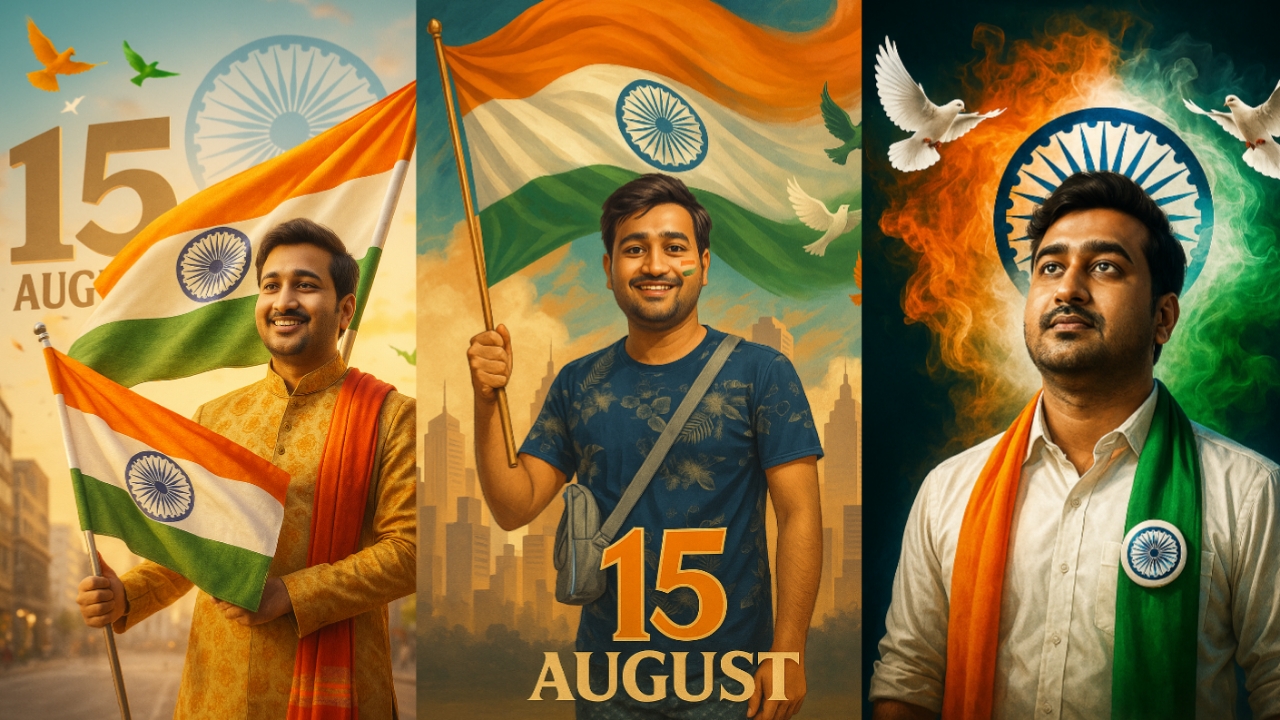
5 Chat GPT Prompt for 15 August Photo Generation दोस्तों, आप सभी का हमारे इस नए पोस्ट में हार्दिक स्वागत है। आज की इस पोस्ट में, मैं आपके लिए 5 नए Prompt लेकर आया हूँ, जिनसे आप बिल्कुल अलग स्टाइल के 15 अगस्त वाले Photo बना सकते हैं। इनमें से 2 प्रॉम्प्ट खासतौर पर लड़कियों के लिए हैं, क्योंकि अब तक ज़्यादातर लोग सिर्फ लड़कों के लिए ही इमेज बनाने के Prompt दे रहे थे। तो लड़कियों, इस बार आपके लिए भी खास सरप्राइज़ है।
5 New Chat GPT Prompts for 15 August Photo Generation 2025
नीचे आपको सभी Prompt उपलब्ध होंगे। सबसे पहले एक Sample Image दी जाएगी, और उसके ठीक नीचे उससे संबंधित Prompt मिलेगा। आपको उसी Sample Image के अनुसार अपनी Photo बनानी होगी। Prompt को बस कॉपी करें और सीधे इस्तेमाल करें।
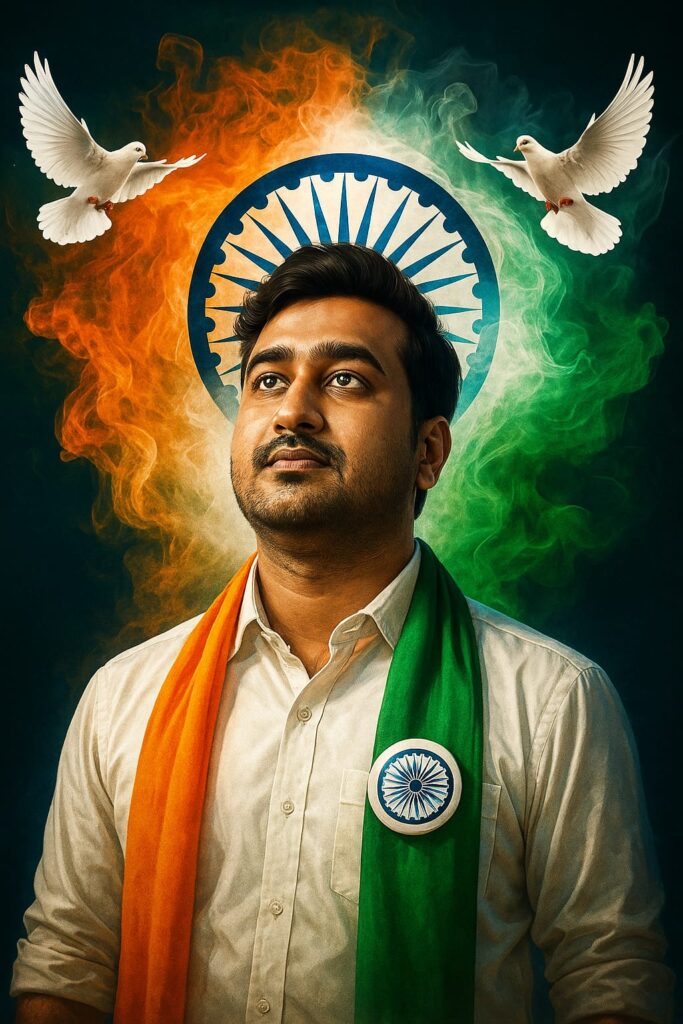
15 th August special”A powerful patriotic portrait of a young Indian man looking upward with pride and hope. He wears a crisp white shirt adorned with a tricolor scarf (orange, white, and green) and an Ashoka Chakra badge. Behind him, the Indian flag’s swirling smoke forms a vibrant backdrop with the blue Ashoka Chakra haloing his head like a symbol of unity. Two white doves fly beside him, representing peace and freedom.
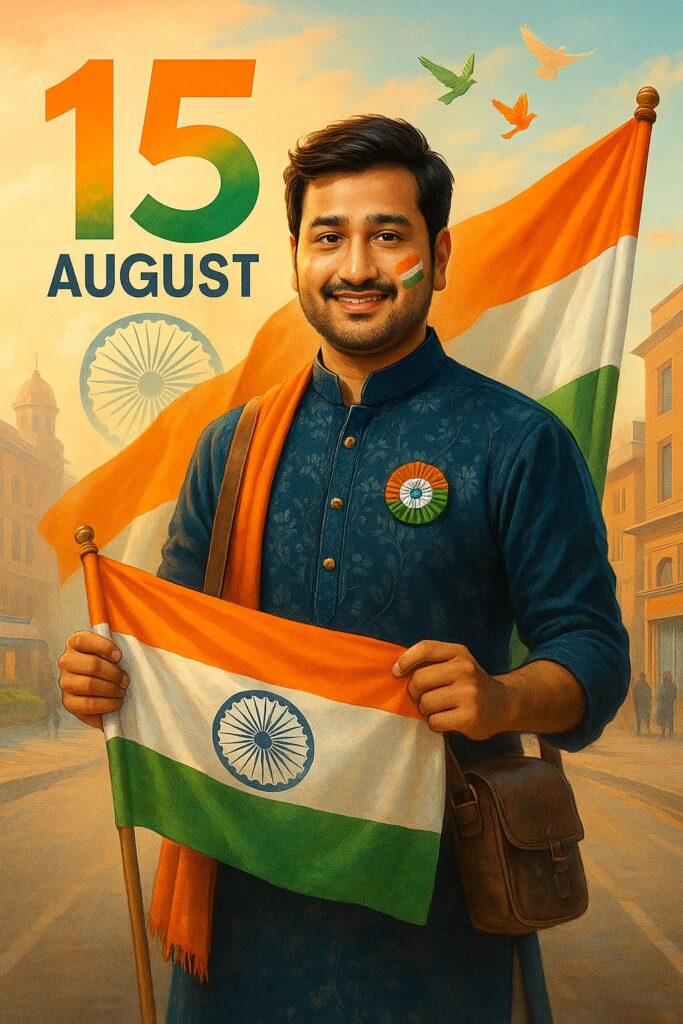
A digital graphic design composition features a young Indian man with the same face, hairstyle, and expression as shown in the provided image. He is standing in an urban environment, proudly holding the Indian national flag. He is dressed in a stylish festive outfit suitable for Independence Day. The background includes elements like the large “15 August” text, Ashoka Chakra, and tricolor birds flying in the sky. The overall tone is vibrant and patriotic, with natural lighting and a photorealistic style that emphasizes national pride.
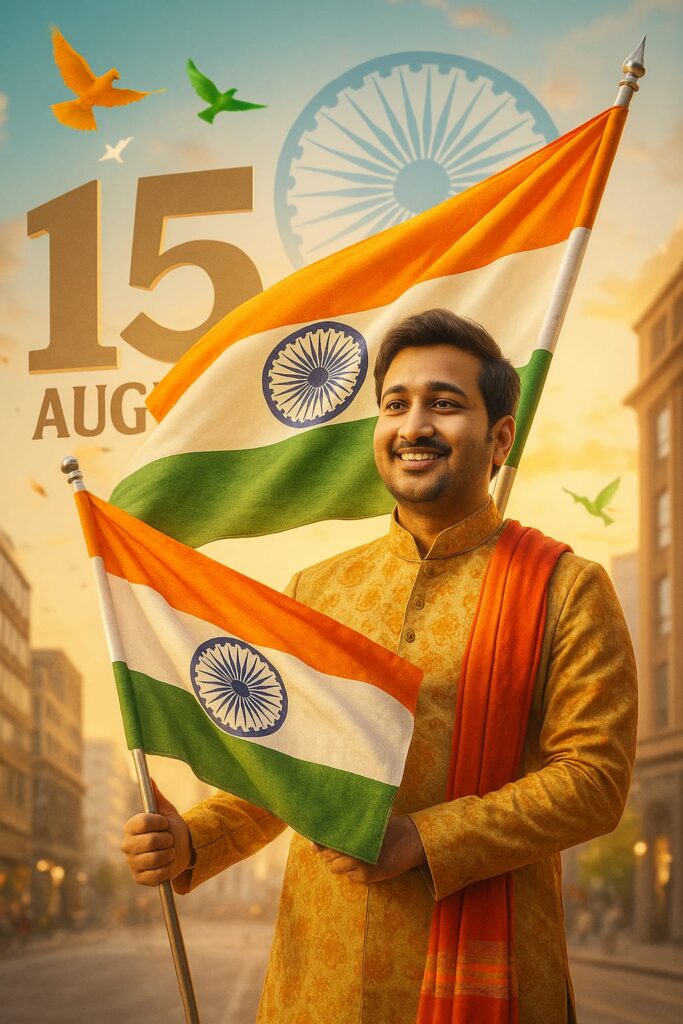
A digital graphic design composition features a young Indian man with the same face, hairstyle, and expression as shown in the provided image. He is standing in an urban environment, proudly holding the Indian national flag. He is dressed in a stylish festive outfit suitable for Independence Day. The background includes elements like the large “15 August” text, Ashoka Chakra, and tricolor birds flying in the sky. The overall tone is vibrant and patriotic, with natural lighting and a photorealistic style that emphasizes national pride.
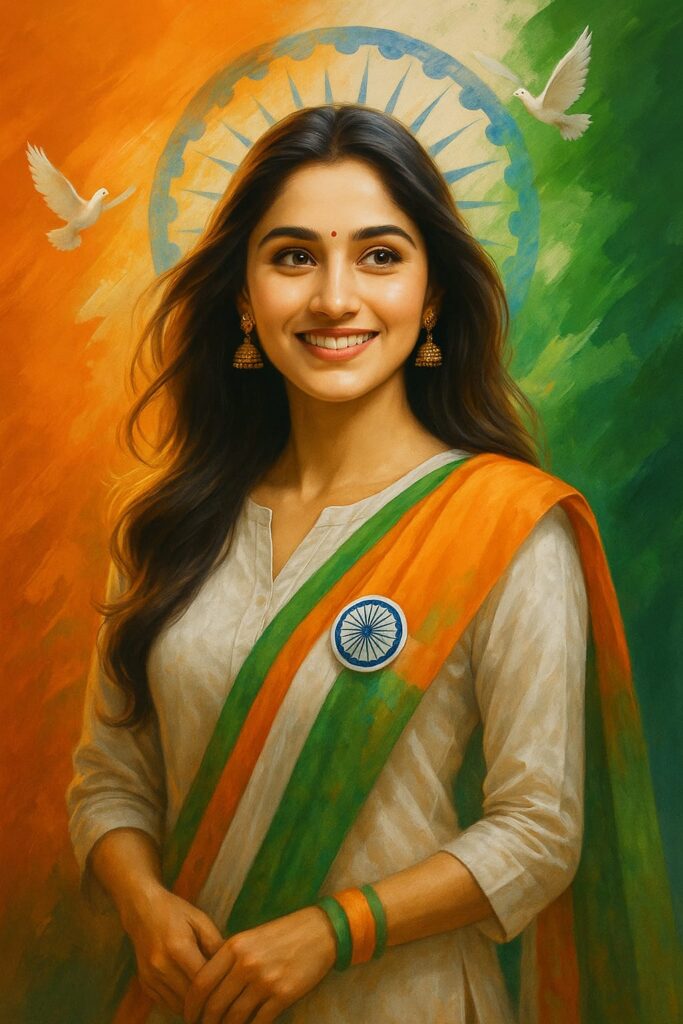
A digital portrait of a young woman, celebrating India’s Independence Day. She is wearing a traditional white kurta with a vibrant tricolor dupatta, which drapes elegantly from her right shoulder across her left side, falling around her waist. The dupatta features saffron, white, and green colors, with the iconic tricolor round badge pinned on her left side. She has a soft, radiant smile with elegant earrings, and her hair is styled just as in the uploaded photo, with soft waves. The background is a rich blend of saffron, white, and green, with the Ashoka Chakra subtly placed in the center, and doves flying gracefully in the background. The image should also reflect the same style and settings as the uploaded reference image, with proper attention to the hairstyle and other unique features from the user’s photo.
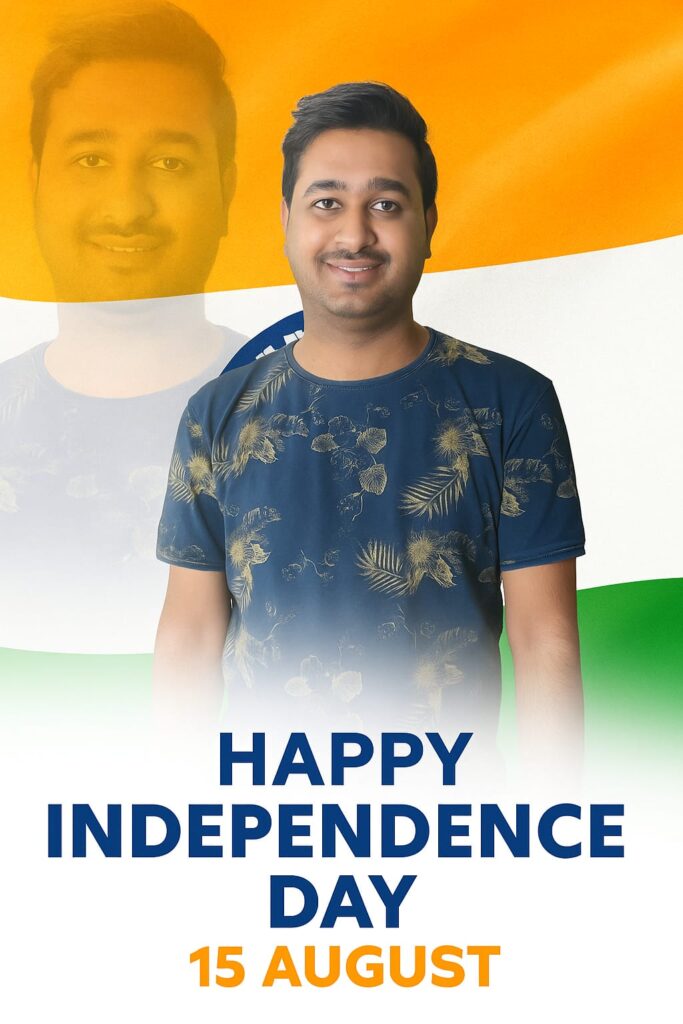
This graphic for India’s Independence Day features a cheerful young woman with medium skin tone and dark brown eyes, smiling warmly. The image displays two portraits of her set against the Indian flag, with vibrant saffron, white, and green bands and the Ashoka Chakra, while bold text below reads ‘HAPPY INDEPENDENCE DAY’ with the date ’15 AUGUST
इस Prompt को उपयोग में लेकर Photo बनाने की तरीका क्या है?
ये सब Prompt का इस्तेमाल करके 15 August का Image बनाने के लिए आपको निम्नलिखित स्टेप को Follow करना है । ( Chat GPT Prompt for 15 August Photo Generation 2025 )
- सबसे पहले अपने Mobile में ChatGPT App को इंस्टॉल करें और उस पर अकाउंट बनाकर लॉगिन करें।
- इसके बाद Chat GPT App खोलें और नीचे दिखाई देने वाले चैट सेक्शन में जाएं। वहां मौजूद प्लस (+) आइकन पर टैप करके अपनी एक फोटो अपलोड करें।
- अब जो ऊपर दिए गए Prompt है उसको कॉपी करें और चैट बॉक्स में Paste करें, फिर Send बटन दबा दें।
- 2 से 3 मिनट के प्रोसेसिंग में लगेगा उसके बाद आपकी 15 अगस्त Photo बनकर तैयार हो जाएगी।
- अब जो 15 August वाला Photo है उस Photo पर क्लिक करें और नीचे मौजूद Save ऑप्शन चुनकर उसे अपने फोन में Photo Save कर लें।
निष्कर्ष :-
दोस्तों मुझे उम्मीद है आप अपने लिए 15 August वाला Photo बना लिए होंगे अगर आपको इन Prompt का इस्तेमाल करके Photo बनाने में कोई दिक्कत आये या फिर आपको Image बनाने के लिए problem आ रही है तो आप हमें Comment Box में Comment करके बताएं आपके Comment का जल्द से जल्द Reply करने कि कोशिश करेंगे | ऐसे ही और जानकारी के लिए आप हमारे trend.bankfiber.com पर जरूर विजिट करें इस पोस्ट को पढ़ने के लिए आपका बहुत-बहुत धन्यवाद | Happy Independence day. Jai Hind Jai Bharat.